
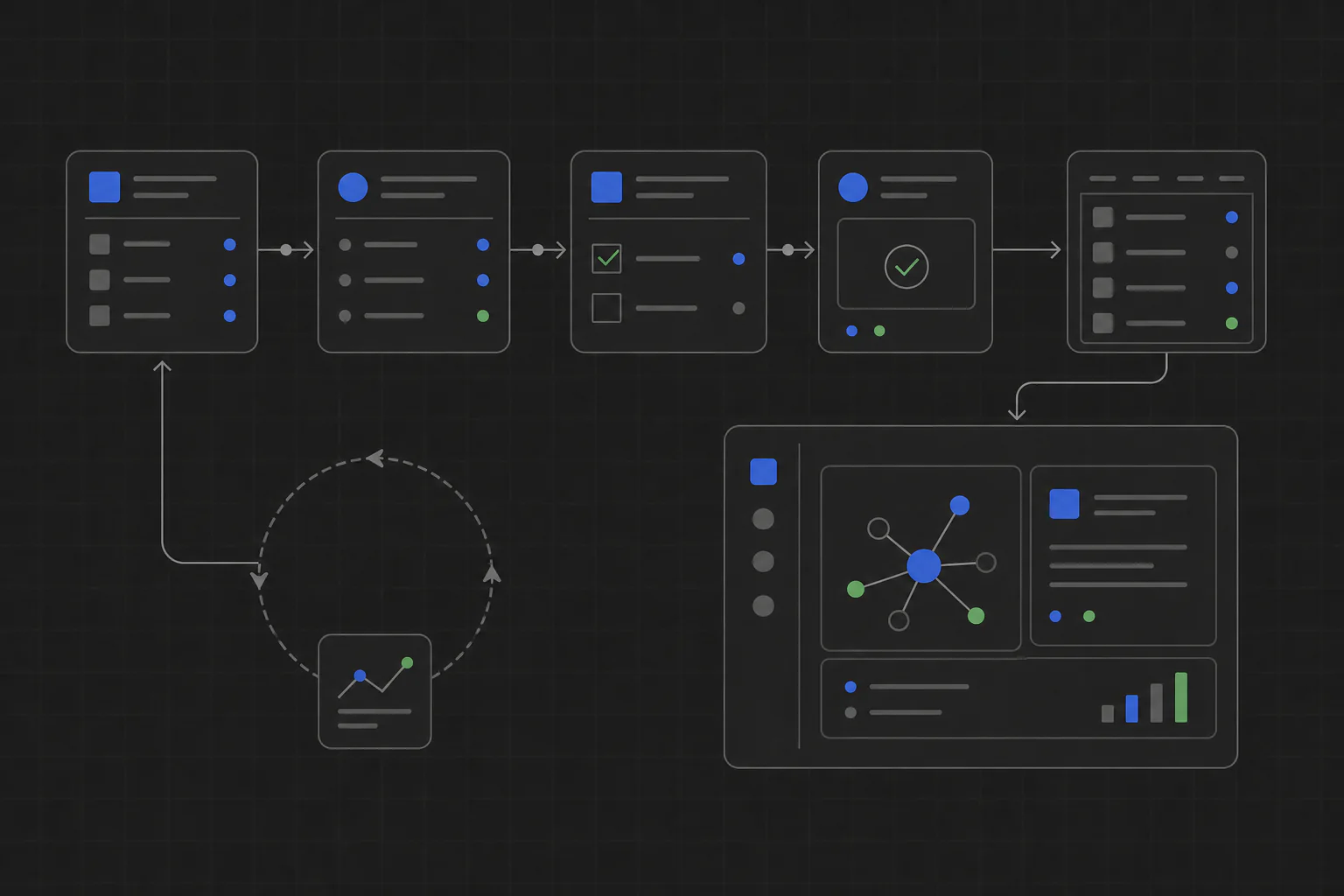
Manual workflow automation means turning a job people repeat by hand into a reliable software flow. The tool can collect the inputs, apply the rules, guide decisions, and produce the result without forcing the team into another generic SaaS process.
Which manual workflows should you automate first?
Choose one narrow workflow with a clear beginning and end. Good candidates happen every week, follow rules people can explain, and involve copying data between spreadsheets, documents, forms, or exports.
- Customer onboarding and implementation checklists
- Weekly reporting and data reconciliation
- Candidate comparison and interview summaries
- Document review, quality checks, and approvals
- Support triage and feedback organization
How to automate a manual workflow
- Write down the current steps. Include who does the work, what files they open, the decisions they make, and the final output.
- Separate rules from judgment. Automate stable rules first and leave important judgment visible for a person to confirm.
- Build around real inputs. Use the CSV files, spreadsheets, documents, forms, and API data the team already has.
- Review access before installation. Check which files, data, and computer features the tool needs.
- Install, share, and update it. Put the tool on the computers where the work happens and publish a new version when the process changes.
Why use an internal tool instead of another automation service?
General automation services are useful when a workflow fits their connectors and triggers. A focused internal tool is a better fit when people need a visible interface, local files, company-specific rules, or a review step before anything changes. It can run on the computer without adding an app server, deployment pipeline, or per-seat subscription.
How TinyAtom supports workflow automation
Describe the workflow in TinyAtom, build the tool with Claude, OpenAI Codex, Cursor, Gemini, or a local shell agent, then review and package it as installable software. TinyAtom provides the operating system around the build so your team can install the tool, share it privately, and keep it updated.
Frequently asked questions
What is manual workflow automation?
It is the process of turning repeated steps, decisions, and data entry into software that completes or guides the work consistently.
Which manual workflows should you automate first?
Start with a repeated workflow that has clear inputs and outputs, stable rules, and enough manual copying, checking, or reporting to waste time or cause errors.
Do you need a server for workflow automation?
No. A focused internal tool can run locally on each teammate's computer without an application server or deployment pipeline.