
Describe the work in plain language
Explain who uses the tool, what they do today, what information they need, and what a finished result looks like.
Manual workflows · spreadsheets · documents · CSV exports
TinyAtom is an AI internal tool builder for businesses that want local software, not another hosted platform. Build with Claude, Codex, Cursor, Gemini, or a local agent. TinyAtom handles review, installation, sharing, and updates.
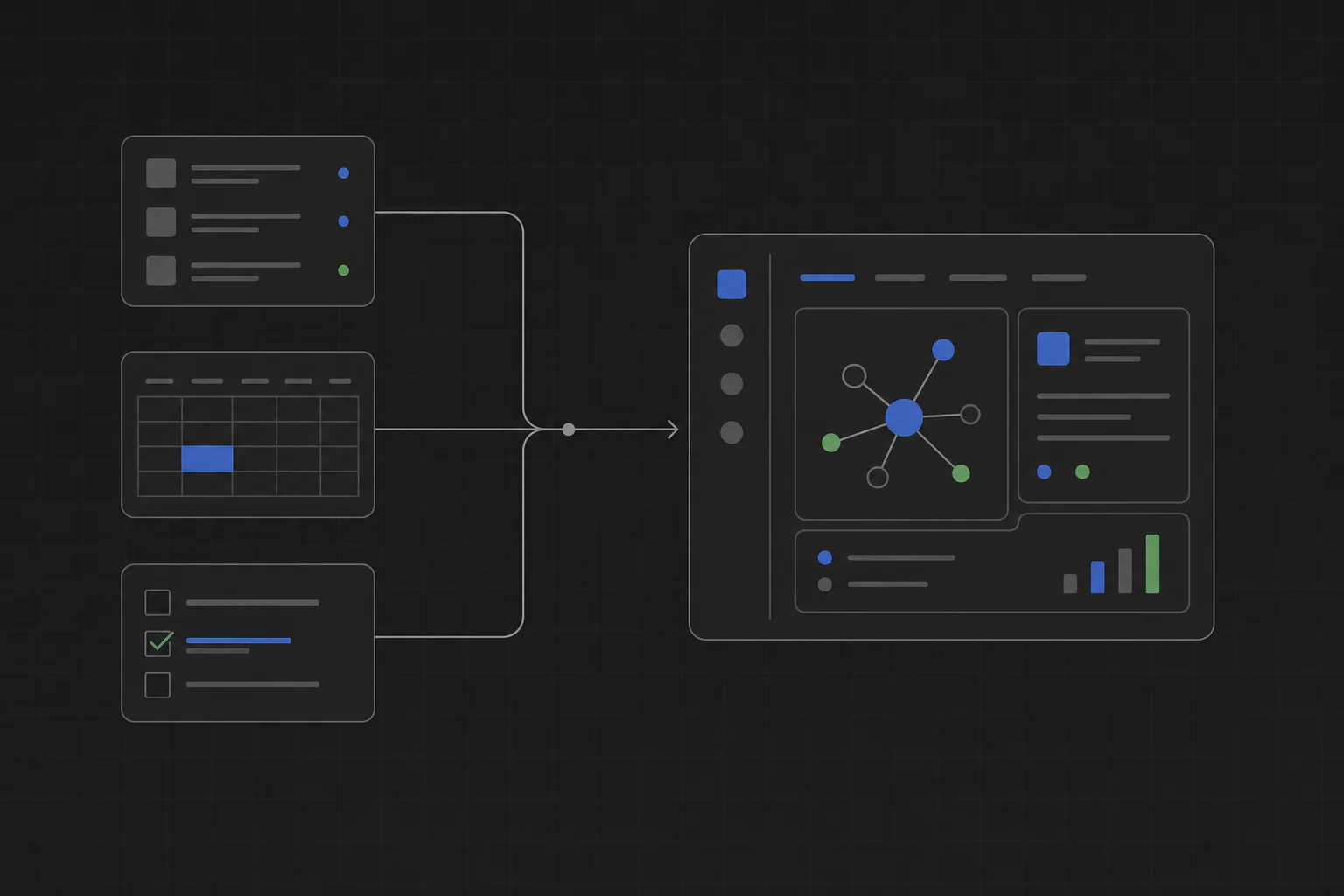
TinyAtom turns a workflow your company runs by hand into software your team can use. Your AI coding agent builds it. TinyAtom handles the lifecycle: review, installation, sharing, and updates.
Explain who uses the tool, what they do today, what information they need, and what a finished result looks like.
Manual workflows · spreadsheets · documents · CSV exports
Use Claude, OpenAI Codex, Cursor, Gemini, or a local shell agent. TinyAtom does not lock your team into one model or assistant.
Claude · Codex · Cursor · Gemini · local agents
See the files, data, and computer features the tool asks to use. Nothing opens until you approve the requested access.
Plan · review · capability checks · user approval
Install the tool on your computer, share it through a private company list, and publish new versions for your teammates.
Local install · company sharing · marketplace · updates
Hosted AI app builders add another cloud, account, and pricing layer. TinyAtom uses the coding agent your team already trusts, then gives the result a local lifecycle: review, installation, sharing, and updates.
Reads the plan, writes the interface and logic, connects the local data, and makes requested changes.
Guides the plan, checks the build, reviews requested access, packages the app, and manages installation, sharing, and updates.
Short answers about building company tools with AI coding agents.
An AI internal tool builder turns a described company workflow into software the team can use. TinyAtom lets Claude, Codex, Cursor, Gemini, or a local coding agent build the tool, then handles review, packaging, installation, sharing, and updates.
TinyAtom is the better fit when an internal tool should run on employees’ computers and keep company data local. There is no app server, per-seat platform, or third-party app cloud required for the tool runtime.
TinyAtom works with Claude, OpenAI Codex, Cursor, Gemini, or a local shell agent. Your team uses the coding agent it already has.
TinyAtom currently works with OpenAI Codex rather than the ChatGPT chat interface. Codex builds inside the TinyAtom Studio workflow, while TinyAtom handles the plan, review, packaging, installation, sharing, and updates.
The coding agent writes the tool. TinyAtom adds a guided plan, review of requested access, local packaging, installation, private team sharing, marketplace publishing, and updates.
Yes. Install a tool locally, share it through a private company list, and publish updated versions so teammates can keep their installed tools current.
No. TinyAtom tools run on the computers where they are installed and store their data there. There is no application server or deployment pipeline to maintain.
Free to use. Runs on your computer. No servers required.