
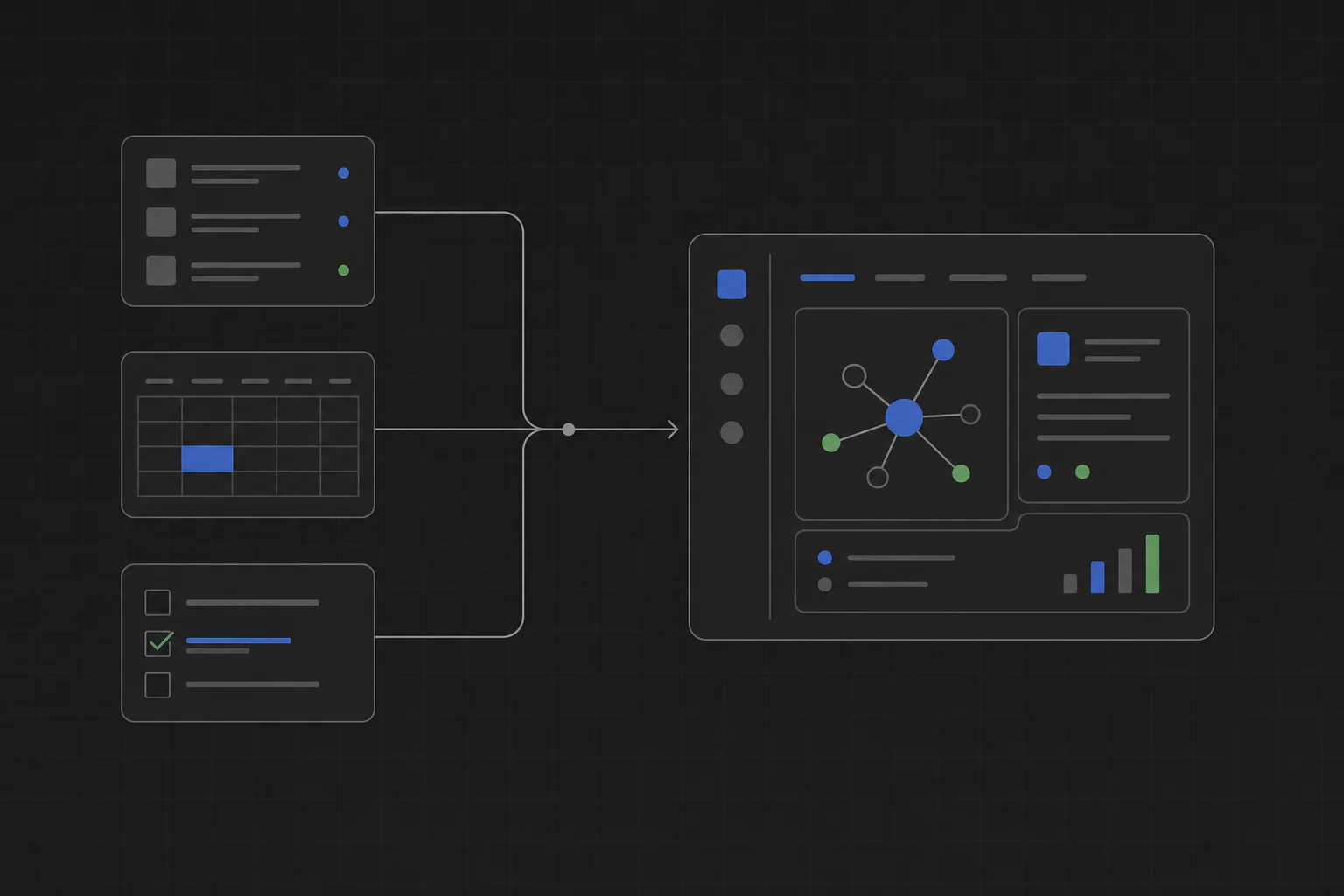
Yes. Claude, Codex, Cursor, Gemini, and local coding agents can build internal tools. TinyAtom supplies the lifecycle around the code: planning, review, packaging, installation, sharing, and updates.
What an AI coding agent can build
A focused internal tool is a strong job for an AI coding agent. The audience is small, the workflow is specific, and the people using it can describe what a correct result looks like. Examples include a customer-onboarding tracker, candidate comparison tool, reconciliation app, implementation checklist, document reviewer, or weekly reporting tool.
The best starting point is not “build a dashboard.” Describe the real job: who does it, what information they open, which decisions they make, and what they need at the end.
The agent writes the tool. TinyAtom handles the lifecycle.
Coding is only one part of internal tools development. A useful tool also needs a clear plan, a review of the files and capabilities it requests, a package teammates can install, a place to share it, and a way to publish updates.
Your coding agent handles implementation
- Builds the screens, forms, tables, and business rules.
- Connects the local files, data, and APIs included in the plan.
- Makes changes after review and testing.
TinyAtom handles the product workflow
- Turns the described workflow into reviewed requirements and a build plan.
- Shows which files, data, and computer capabilities the tool requests.
- Packages and installs the result as a local desktop tool.
- Shares private tools with teammates or public tools through the marketplace.
- Publishes updated versions so installed tools can stay current.
Which AI coding agent should you use?
Use the one your team already pays for and trusts. TinyAtom works with Claude, OpenAI Codex, Cursor, Gemini, or a local shell agent. The important difference is not the logo on the agent. It is whether the workflow is described clearly enough for the agent to build and for a person to review.
TinyAtom does not currently drive the ChatGPT chat interface. Teams using OpenAI choose Codex as the coding agent inside TinyAtom Studio.
Already settled on Claude? There is a dedicated walkthrough: build internal tools with Claude Code.
A simple workflow for building an internal tool with AI
- Pick one repeated job. Start with a workflow one person or a small team runs often.
- Describe the real process. Include inputs, steps, decisions, users, and the finished result.
- Let the coding agent build. Claude, Codex, Cursor, Gemini, or a local agent implements the approved plan.
- Review access. Check every file, data source, and computer feature the tool requests.
- Install and share. Run it locally, add it to a private company list, or publish it to the marketplace.
- Publish updates. Improve the tool as the workflow changes and let teammates install the new version.
When TinyAtom is the right fit
TinyAtom fits software used by one person or a small team, built around company-specific rules, and not worth operating as another hosted production application. It is especially useful when the current process lives in spreadsheets, documents, CSV exports, folders, scripts, or steps people are expected to remember.
A shared customer-facing product, highly concurrent system, or application that needs one central cloud database may still need a traditional hosted architecture. TinyAtom is for the internal tools that should stay small, local, and easy to own.