
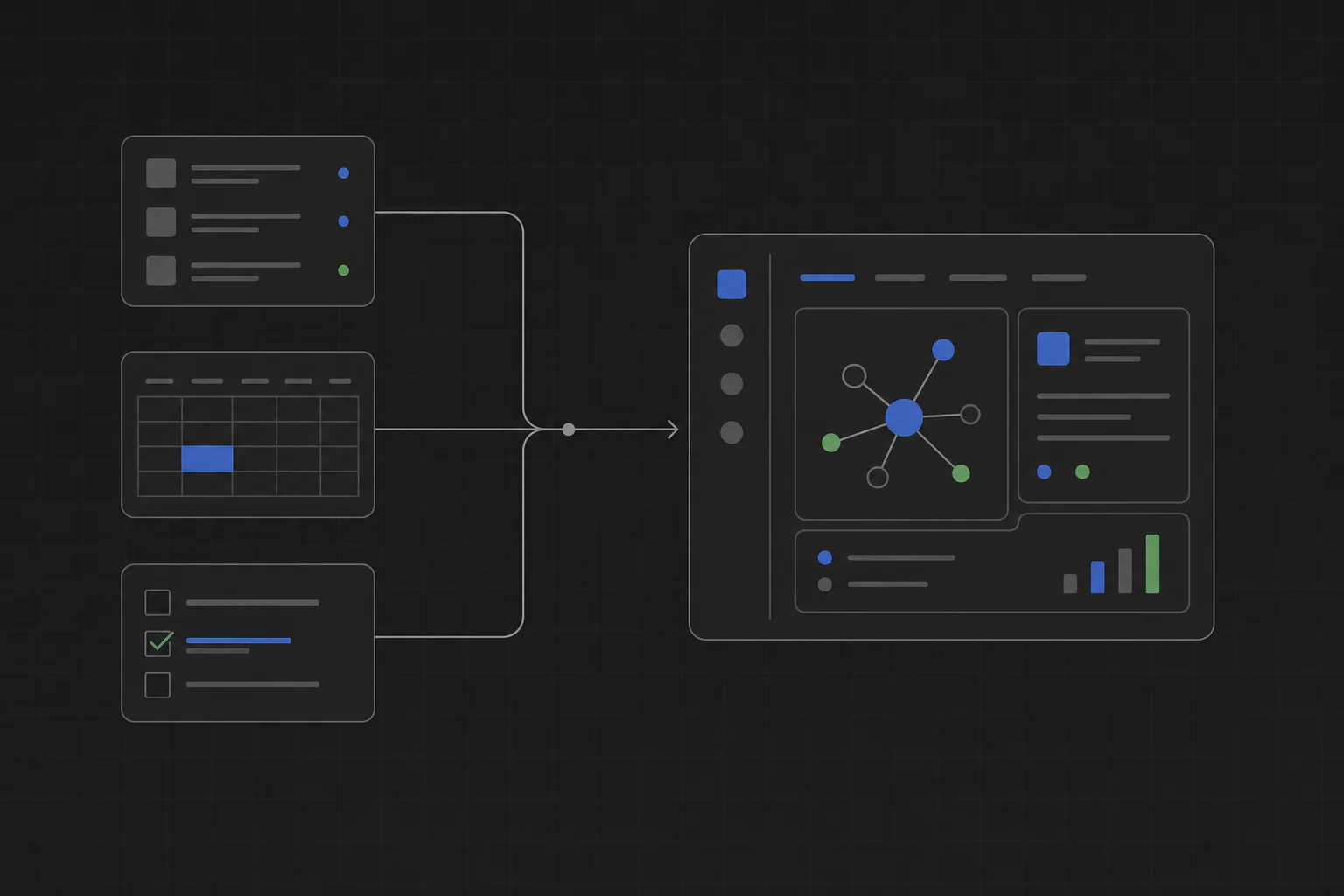
Yes, Claude Code can build internal tools, and it is one of the best coding agents for the job. Pair it with TinyAtom and the tool it writes becomes installable software: reviewed, packaged, shared with your team, and updated over time, with everything running locally.
Why Claude Code fits internal tools
Internal tools are the ideal shape of work for a coding agent. The audience is one person or a small team, the workflow is specific, and the person asking for the tool can judge immediately whether the result is right. There is no design-by-committee and no scale problem. A candidate tracker, an inspection checklist, a reconciliation helper, or an intake queue is a day of agent work, not a quarter of engineering roadmap.
Claude Code in particular is strong at exactly this pattern: take a plain-language description of a job, ask clarifying questions, produce a working application, and revise it in short feedback loops. Teams already use it this way for scripts and prototypes. The missing piece has never been the code. It is everything after the code.
What Claude Code alone does not give you
Run Claude Code by itself and you get source files in a folder. Turning that into a tool a teammate can trust and use raises the questions every internal project eventually hits:
- Where does the finished tool live, and how does a non-technical teammate start it?
- What files, data, and system features can the tool touch, and who checked?
- How does the next person install it without cloning a repository?
- When the workflow changes, how does the fix reach every copy in use?
These are lifecycle problems, not coding problems, and they are why most agent-built tools die on the machine of the person who made them. This is the half TinyAtom owns.
How the workflow runs in TinyAtom
TinyAtom drives Claude Code through a structured build instead of a free-form chat, so the result is a product, not a folder of files.
1. Describe the job. You explain the workflow in plain language inside TinyAtom Studio. The agent interviews you, then writes the requirements and a plan you can read and approve before any code exists.
2. Claude Code builds it. The agent implements the tool step by step, and you watch the tool take shape in a live preview. Feedback is a sentence, not a pull-request review.
3. Review what it can access. Before the tool runs, TinyAtom shows every capability it asked for: files, data, network, computer features. Nothing is granted that you did not approve.
4. Install, share, update. Install the tool on your computer, or publish it to a private company list so teammates install it themselves. Ship a new version and their copies can update. Every tool runs and stores its data locally.
The same flow works with Codex, Cursor, and Gemini. If your team is comparing agents, see building internal tools with AI coding agents. New to the agent entirely? Start with Claude Code for non-developers, or see how it stacks up against the hosted builders in Base44 vs Lovable vs Claude Code.