
Anthropic ships Claude Code for the terminal and IDEs, and its Claude desktop app can run Claude Code sessions. If what you actually want is a desktop app where Claude Code builds software you can install, share, and update, that is TinyAtom: free, macOS, local-first.
The three things people mean by “Claude Code desktop app”
Anthropic’s Claude app. The official desktop app for macOS and Windows. It is built around chat, and it can drive Claude Code sessions on your machine. It is the right choice for conversational work and quick agent runs.
IDE extensions and terminal wrappers. Claude Code plugs into editors, and the community builds GUI wrappers around the CLI. These are made for developers: you still work with source files, projects, and Git.
A desktop app that turns Claude Code into a software factory. This is TinyAtom. The agent is the same; the difference is what surrounds it. You describe a tool in plain language, Claude Code builds it while you watch a live preview, TinyAtom shows you exactly what the finished tool can access, and the result installs like a normal app and shares to your team. No terminal at any step.
What the desktop workflow looks like
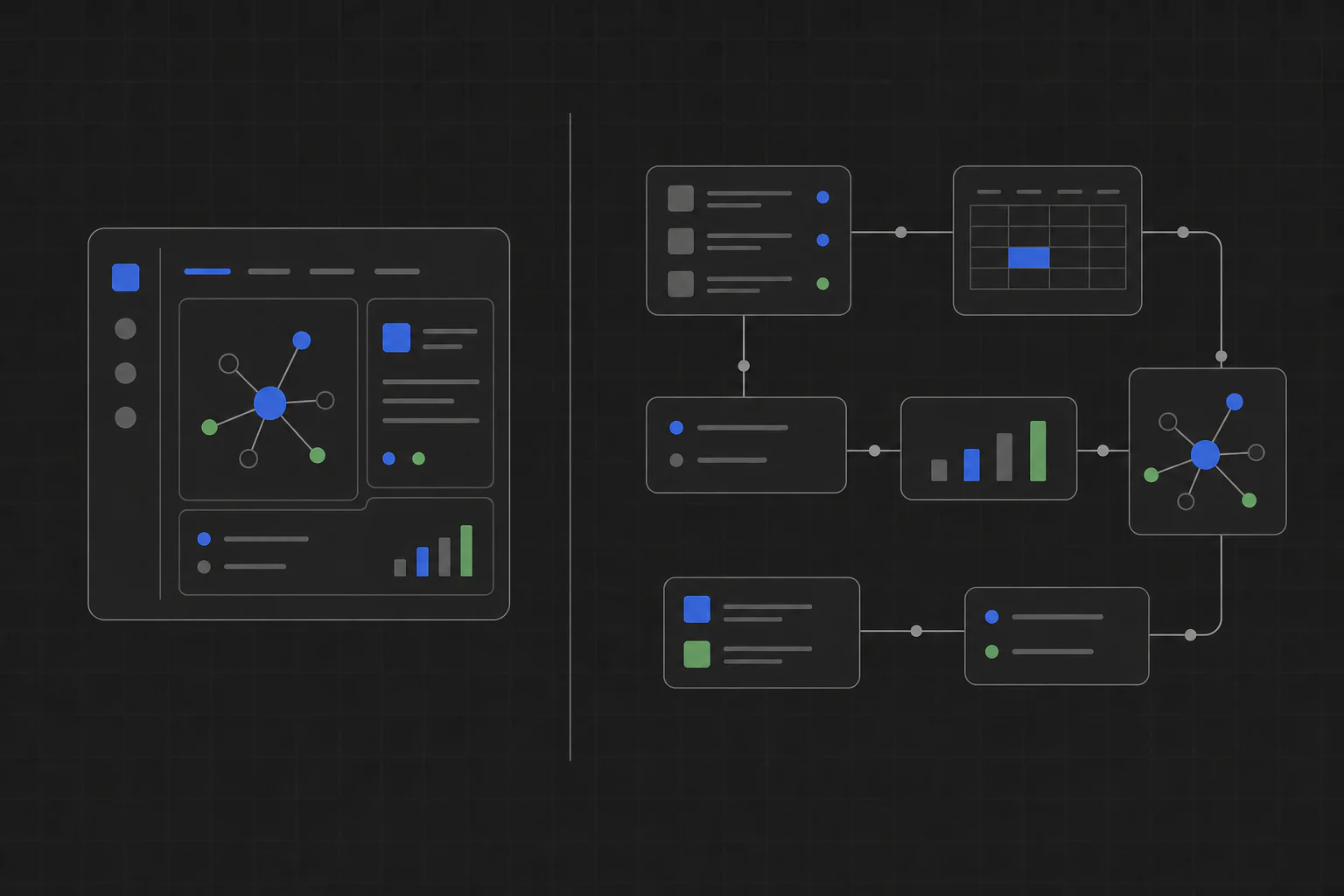
TinyAtom Studio runs the whole build as a product workflow rather than a chat session. The agent first interviews you and writes requirements and a plan you approve. Then it implements step by step with a live preview, so feedback happens while the tool takes shape. Before anything runs, you review the capabilities it requested: files, data, network, computer features. Finally the tool installs on your Mac, publishes to a private company list for teammates, and updates when you ship a new version.
Everything runs and stores its data locally. There is no hosting bill and no server, because there is no cloud in the path at all.
When the terminal is still the right tool
If you are a developer working inside an existing codebase, the terminal version of Claude Code is the right interface, and no desktop app should get between you and your repository. TinyAtom is for the other job: creating new, self-contained tools, especially when the person driving is not a developer, or when the result needs to reach a team. For that audience, the walkthroughs are Claude Code for non-developers and build internal tools with Claude Code.